Dive planning for iOS and Android
A full deco planner in your pocket, and a free toolkit around it.
Eleven free tools for gas planning, blending, buoyancy and the rest of dive day, plus one paid Deco Planner for open circuit and CCR.
Free download. No account. Works offline.
Used by 590+ divers in 72+ countries. September 2026
In the press
Used properly, it is a genuinely useful piece of digital kit, especially for technical, trimix, and CCR divers.
Dive Kit is a very well-executed app and a useful all-in-one diving toolbox.
What is in the app
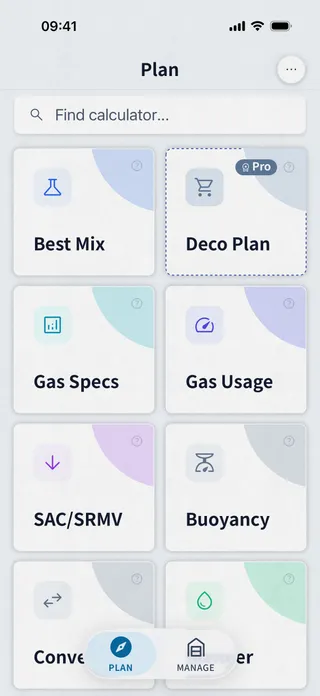
Eleven free tools and the Deco Planner.
Every calculation runs on the phone, with no account and no signal. Each tool has its own page.
- Deco Planner Paid Multi-level OC and CCR plans with contingencies
- Best Mix Calculator Best nitrox or trimix for a target depth
- Gas Specs MOD, EAD, END and density for any mix
- Gas Usage How much gas the dive needs, by segment
- SAC/RMV Calculator Your breathing rate from a real dive
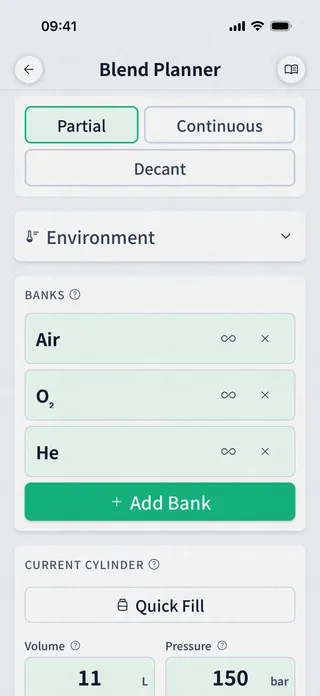
- Gas Blender Partial-pressure and continuous-flow fill plans
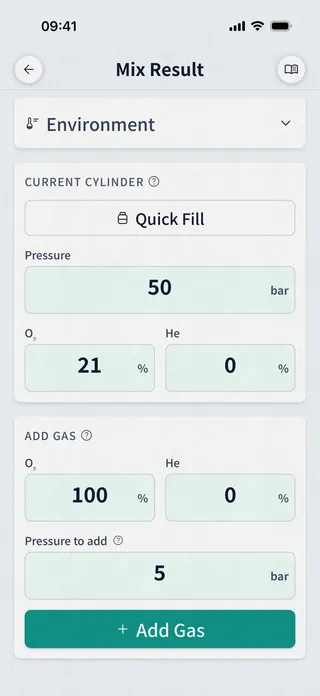
- Mix Calculator The mix you get after a top-up
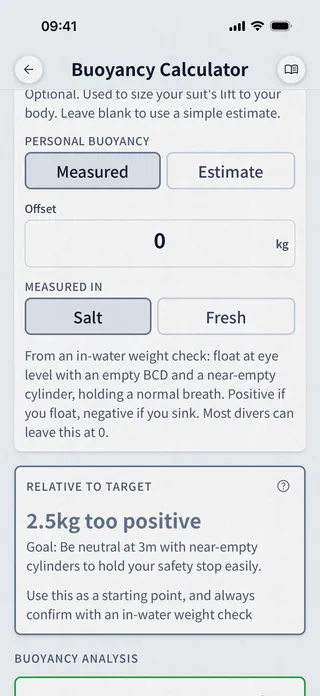
- Buoyancy Calculator Compare weighting setups before you splash
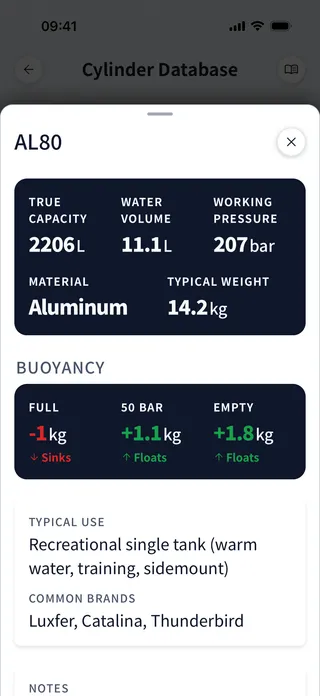
- Cylinders Specs and buoyancy for common cylinders
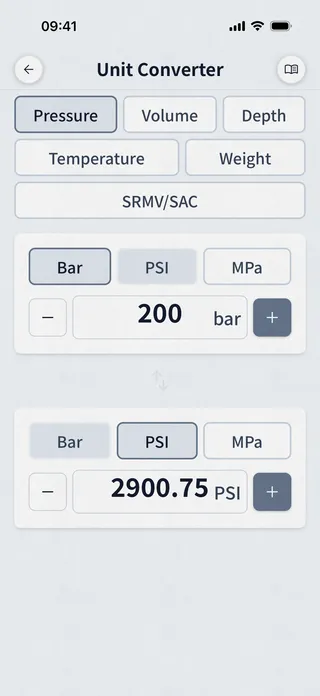
- Unit Converter Pressure, depth, volume, metric and imperial
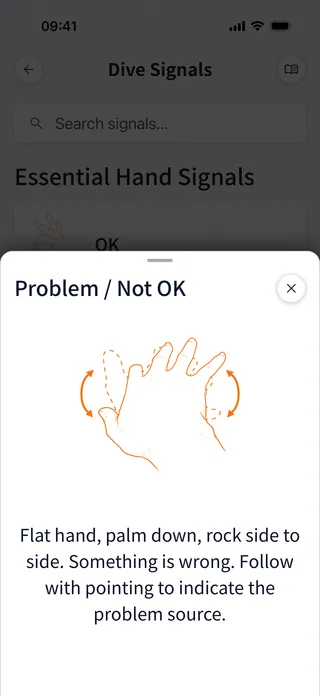
- Dive Signals Hand signals reference
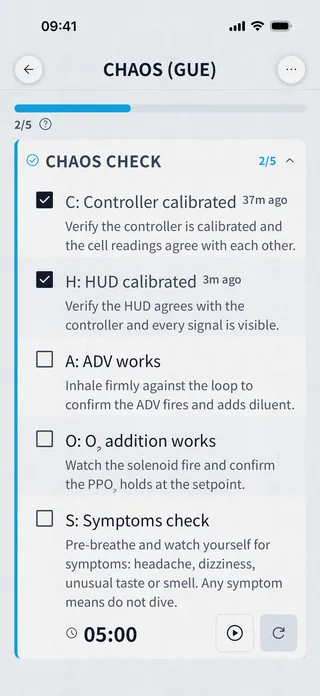
- Checklists Pre-dive and rebreather checklists with timers
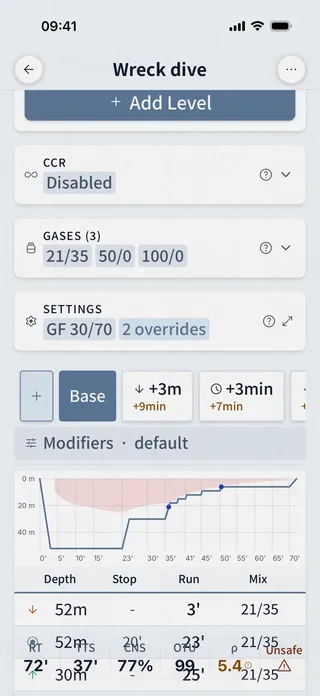
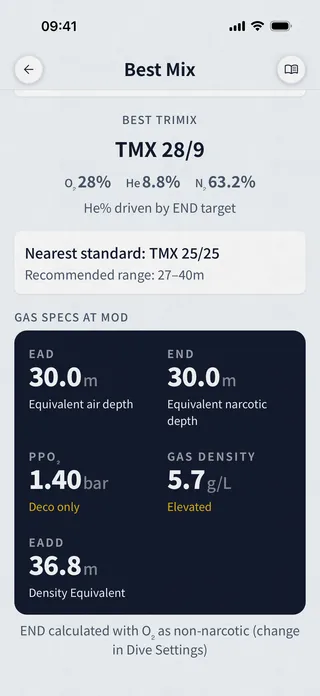
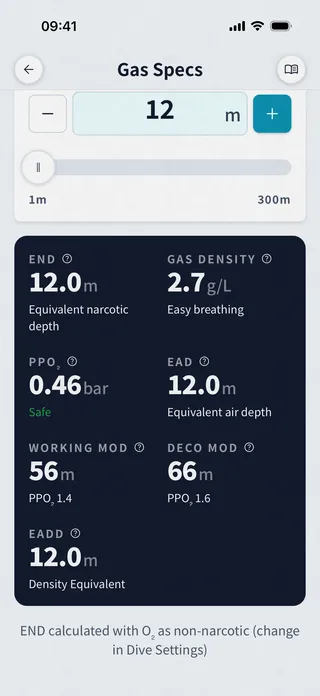
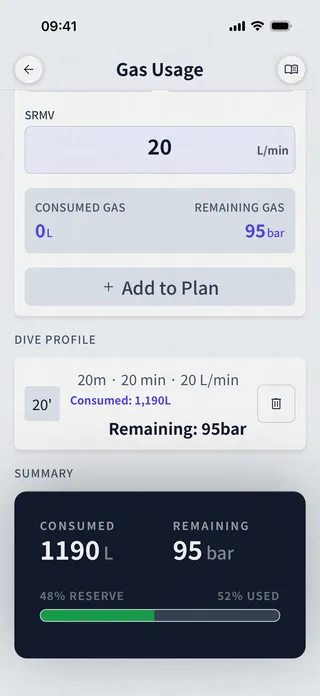
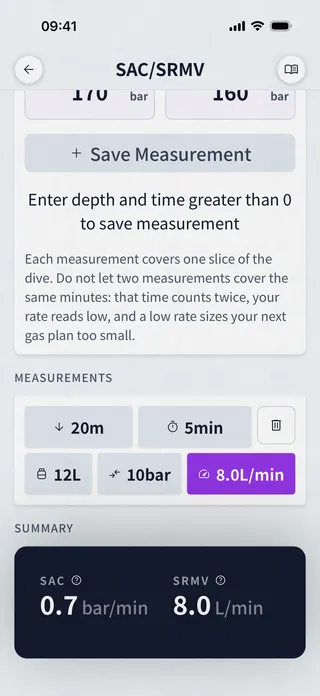
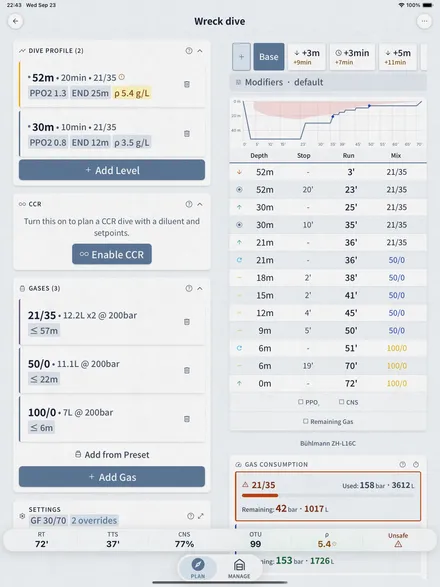
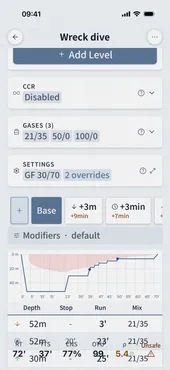
The Deco Planner
What the one paid feature gets you.
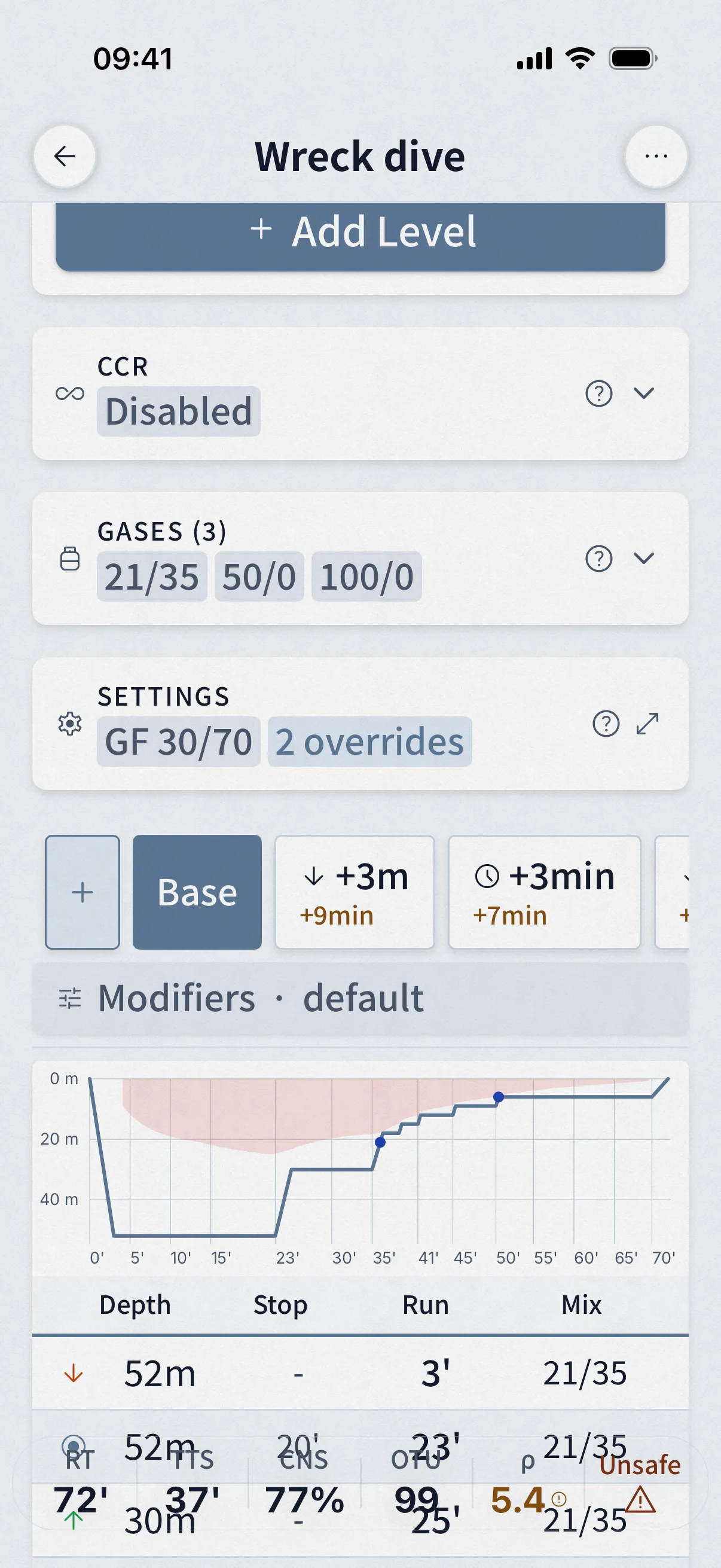
- Multi-level plans with multiple gases and automatic contingencies
- CCR: setpoint schedules, diluent switches, and a bailout plan from any point of the dive
- Oxygen air breaks scheduled, CNS and OTU tracked at every step
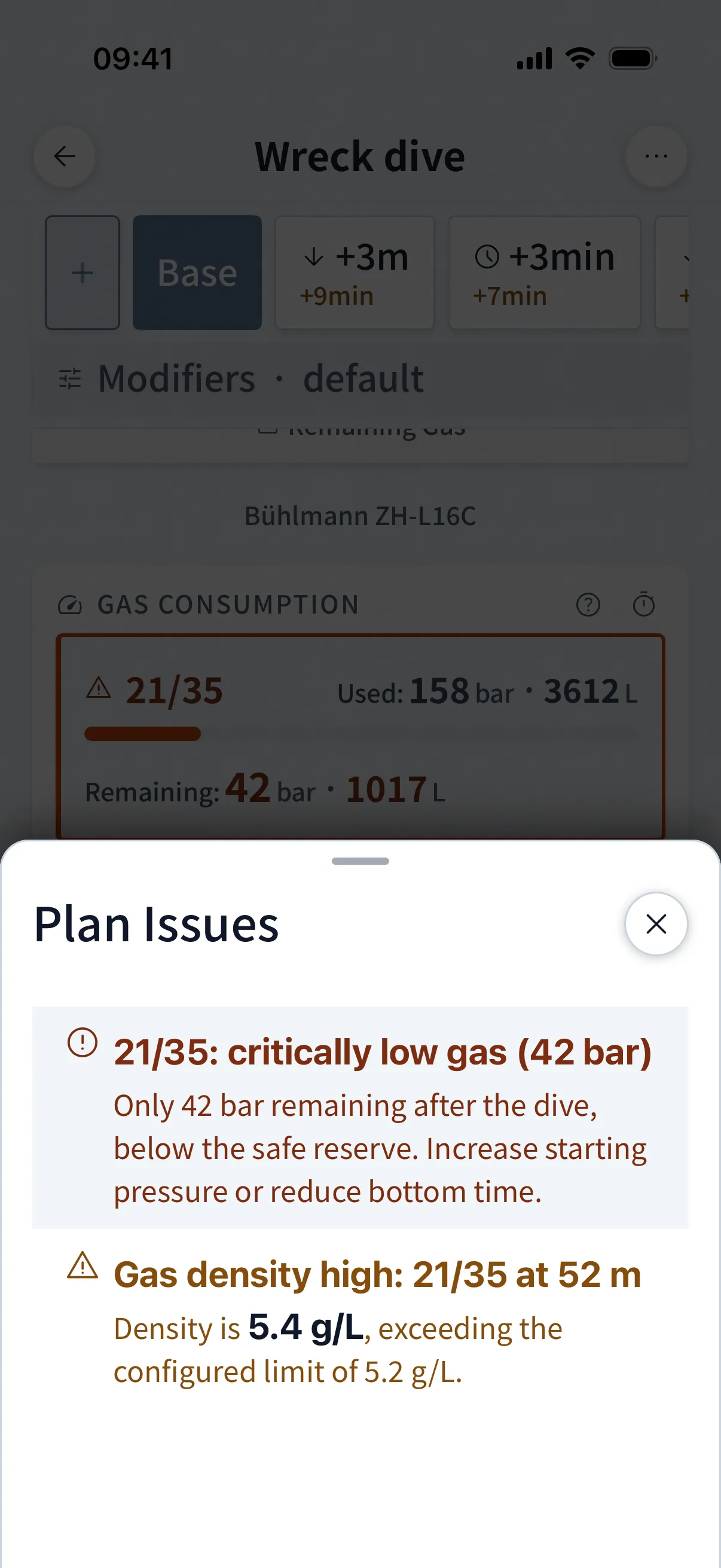
- A Plan Issues sheet that flags what physics rules out, gas density included
- Share a plan as a link or QR code; reading it is free, in the app or in a browser
- Algorithm
- Bühlmann ZH-L16C
- Conservatism
- Gradient factors
- Modes
- OC + CCR
- Gases
- Multi-gas
- Contingencies
- Automatic + custom
- Calculation step
- 1 second
Free trial, then $4.99/month, or $24.99 once. Prices show in your store's currency.
Everything the planner does →Validation
Cross-checked against MultiDeco, and the data is published.
We ran the same 33 dives through Dive Kit and MultiDeco at the same ascent rates: air, nitrox and trimix, open circuit and CCR, salt and fresh water, sea level and altitude.
- Deco onset
- 26 of 33 within a step
- Gas switches
- Same depths in both
- CNS · OTU
- Differ by method, widest CNS gap 54 points (W4)
Every scenario is published with its inputs, both schedules and a note on each difference. Load the plan into the app from its share link and rerun it yourself.
Browse the 33 scenarios →* MultiDeco is the reference because it is established and widely used, not because it is ground truth. Matching it does not prove a schedule is safe.
| Depth | MultiDeco | Dive Kit | Δ | Mix |
|---|---|---|---|---|
| 27 m | 0'01" | — | — | 35/25 |
| 24 m | 1'39" | 1'17" | −22s | 35/25 |
| 21 m | 1'47" | 0'57" | −50s | 50 |
| 18 m | 2'17" | 2'05" | −12s | 50 |
| 15 m | 3'41" | 3'37" | −4s | 50 |
| 12 m | 4'56" | 5'08" | +12s | 50 |
| 9 m | 8'03" | 7'58" | −5s | 50 |
| 6 m | 10'09" | 9'46" | −23s | 100 |
| 3 m | 19'04" | 18'48" | −16s | 100 |
Who it is for
What each kind of diver gets.
Recreational
- Best Mix for nitrox fills
- Gas Usage and SAC/RMV for the dive you plan
- Buoyancy and cylinder references for new gear
- Checklists before every dive
Technical, open circuit
- Multi-level trimix plans with gradient factors
- Automatic contingencies, deeper and longer
- Gas density, END and hypoxia warnings
- Plans shared by link or QR code with the team
Rebreather
- Setpoint schedules with mid-dive switches
- Diluent switches with flush gas accounted for
- A bailout plan from every point of the dive
- Worst-case failure point calculated for you
From the developer
Who builds Dive Kit, and what you can hold me to.
Discussed in the open
- r/diving: Modern deco planner alternative to MultiDeco ↗
- ScubaBoard: Dive Kit, developer here, feedback wanted ↗
- ScubaBoard: Current state of deco planning apps ↗
Ask for a feature
Requests and bug reports are public on the feedback board. Anyone can vote, and those votes decide what gets built next. Most of the last release came from there.
Post on the feedback board ↗Get Dive Kit
Eleven tools free. Deco Planner: free trial, then $4.99/month or $24.99 lifetime.
FAQ
Questions divers actually ask
What algorithm does the Deco Planner run, exactly?
Bühlmann ZH-L16C with gradient factors: 16 tissue compartments, helium and nitrogen tracked separately at their published half-times, tissues recomputed in 1-second steps through descent, bottom, and ascent. The engine is written in C++ from the published papers. The full implementation is documented in the guide, including the non-obvious design choices and why we made them. Read how the engine works.
Does it match MultiDeco?
We ran the same 33 dives through both planners at the same ascent rates and published everything: inputs, outputs, and a written note on every difference. The depth where decompression begins agrees within about one deco step on nearly every scenario, and the gas switches land at the same depths on 27 of the 33. The oxygen clocks are counted differently: Dive Kit's CNS reads the same as MultiDeco's or higher on 31 of the 33, because it uses the more cautious ambient-pressure method. Browse the side-by-side comparison.
Will it match my Shearwater?
It runs the same model family with the same gradient factor controls, so schedules line up when the settings match, but any two implementations differ in small ways. Plan in Dive Kit, dive your computer. If you find a disagreement you can't explain, email me the plan link and I'll look into it: [email protected].
Why pay when Subsurface and other free planners exist?
Fair question. You are paying for a mobile-first planner with CCR setpoint schedules, bailout plans, automatic contingencies, oxygen air breaks, and shareable plans, maintained full time. If a free desktop tool covers your needs, use it. The other eleven tools in Dive Kit are free regardless.
Can I try the Deco Planner before paying?
Yes. The monthly plan starts with a free trial; cancel before it converts and you pay nothing. There is also a $24.99 lifetime purchase with no subscription at all. Prices show in your store's currency.
What happens to my plans if I stop paying?
Shared plans stay readable. Anyone can open a shared plan in the app or in a browser and read the full schedule without a subscription; only creating and editing plans is paid. How plan sharing works.
Will the developer abandon this?
I can't promise the future, but I can show the past: the changelog lists everything shipped, dated, and the engine changelog goes down to individual fixes. The other half of the answer: decompression math doesn't expire. Bühlmann's papers are decades old, a gas law won't deprecate, and an app that needed constant updates to stay useful would have been built wrong. I'll keep shipping what divers need and folding in new research as it's published. If updates one day slow to maintenance and research, that means the toolkit is finished, not abandoned, and that I'm busy building the next thing on the roadmap, like the cave planner.
Is it a dive computer?
No. It has no depth sensor and tracks nothing underwater. Dive Kit is a planning tool you use on the surface. Always dive a real dive computer.
Does it work offline?
Everything runs on the phone: no account, no connection, no tracking. It is built for boats without signal. The only things that need internet are downloading the app and opening shared plan links in a browser.
What doesn't it do?
No dive log yet, no VPM (it runs dissolved-gas Bühlmann, so a VPM-only planner will not produce a matching schedule), and no dive computer sync. The model also assumes things about you that may not be true on the day. Read the assumptions before you trust any plan.
How deep does the CCR support go?
Setpoint schedules with mid-ascent switches, diluent switches (dilout) with flush gas accounting, stay-on-loop deco, full bailout schedules, and bailout-at-depth views. The published cross-reference includes CCR scenarios you can open and rerun yourself. How CCR planning works.
What does it cost, in plain terms?
Eleven tools: free forever, no ads, no account. The Deco Planner: free trial, then $4.99/month, or $24.99 once. Download Dive Kit and the free tools are yours either way.